


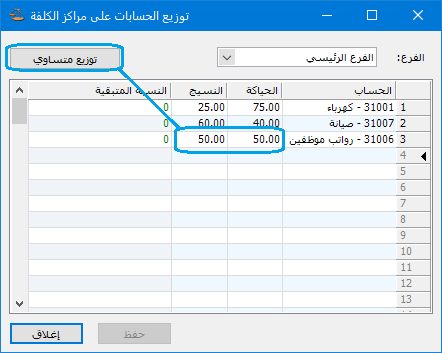
Use this window to allocate manufacturing expenses to the cost centers that benefit from them, using predefined percentages. Choose Accounting > Allocate Accounts to Cost Centers. Select the expense account to allocate, then enter each cost center share as a percentage of the total. You can also divide the expense equally among the selected cost centers: enter the expense account and click Equal Allocation. The software assigns equal percentages automatically, as shown below:
.
.


