


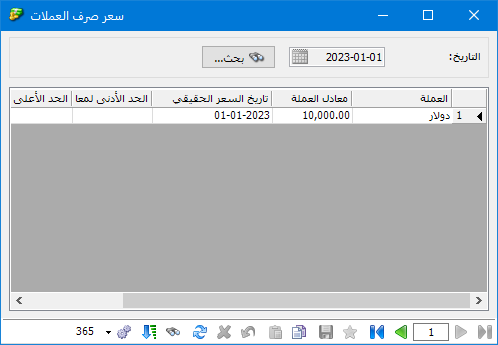
The Exchange-Rate Schedule window lets you enter daily rates for defined currencies. Open Definitions > Exchange-Rate Schedule, then use the search button to select the date for which you want to enter a rate.
When you change a rate for a specific date, the row type changes from Historical to Manual. You can also specify Minimum Exchange Rate and Maximum Exchange Rate to prevent users from entering rates outside the permitted range, as shown below:
.
.
You can also view a brief report of the daily rates entered from the currency record window.


